

Appearance
After close redirect to
Designer › Settings › Form viewer
After close redirect to decides where users go after they select Close in the form's top bar, without saving. You find it in the designer: Settings → Form viewer.

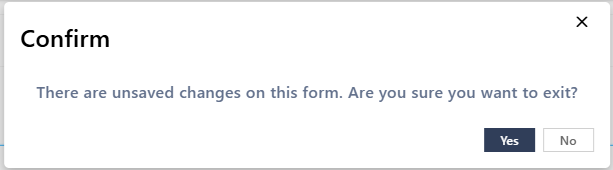
If there are unsaved changes, users are asked to confirm first.
Options
| Option | After closing, users… |
|---|---|
| Default | Go back to where they opened the form, usually the list |
| Form in edit mode | Stay on the same item, opened again for editing |
| Form in view mode | Stay on the same item, opened again read-only |
| Custom URL | Go to the address you type. Use {{ID}} for the ID of the item. Other field tokens aren't replaced in an address |
| Site Home Page | Go to the home page of the site |
For example, to send users to a dashboard page instead of the list, choose Custom URL and type the page address, such as https://contoso.sharepoint.com/sites/hr/SitePages/Dashboard.aspx. A short address that starts with / also works, such as /sites/hr/SitePages/Dashboard.aspx. Without the leading /, the address leads to different places depending on how the form was opened. Select the Test link icon next to the address to check it.
Good to know
- When the form is opened in a popup or embedded in a page, Close is an X icon at the right of the top bar. The form just closes, whatever this setting says.
- External users have no Close button.
Related: After save/action redirect to, Settings Tab (Overview).