

Appearance
What You Can Build
Sintel Apps turns a SharePoint list into a form, with rules and an approval workflow. Here are some examples of what teams build with it. Each example links to the pages that show how.
An approval request
An employee fills in a request, for example for new equipment. A manager approves or rejects it in the form, and the item moves from Submitted to Approved or Rejected. You decide who can approve and who gets an email. A rule can show a Justification field only when someone orders more than 5 items.
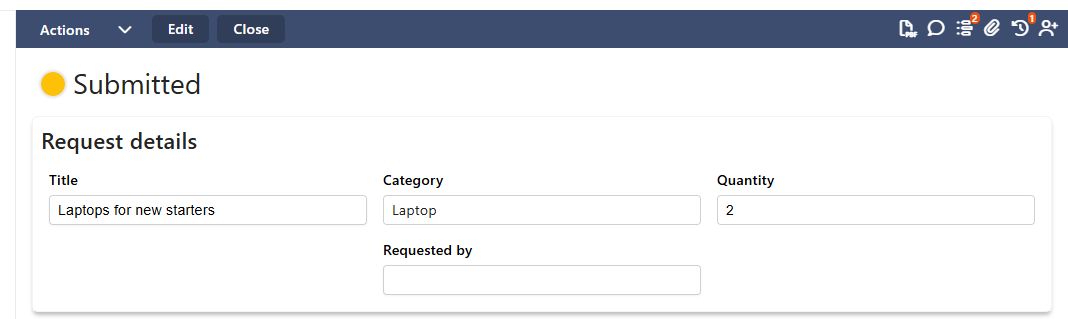
Built with: Workflow Tab (Overview) for the statuses and actions, Logic Tab (Overview) for the rule.
A request with a list of items
One request can hold several rows, for example one row for each thing that is ordered, with its quantity. People add, change and remove the rows in the form, and save them together with the request. The rows are stored in a second SharePoint list.
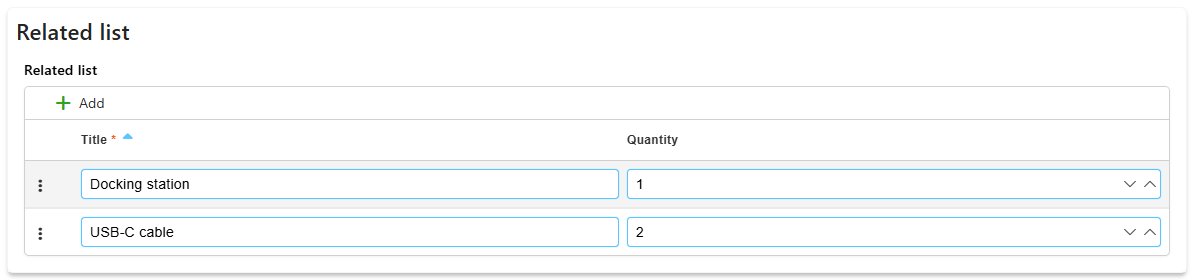
Built with: Related List.
A form for people outside your organisation
Customers can send a request, or a supplier can fill in and later update their own details, even if they have no access to your SharePoint. To open an item again, they confirm their email address with a code.
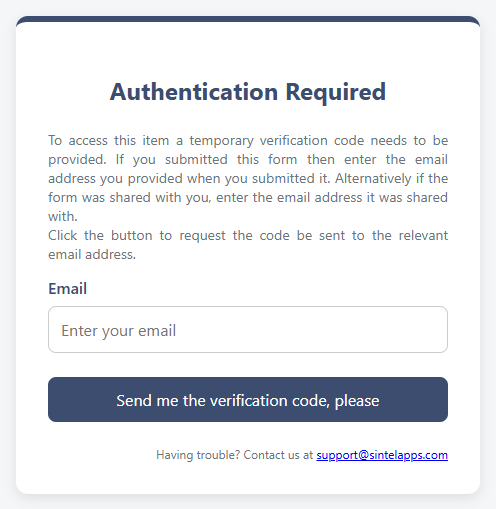
Built with: External Access & Sharing.
A record of who did what
People sign the item in the form. The form can also show the earlier versions of the item and the history of its workflow. If your licence includes PDF export, people can download the item as a PDF, exactly as the form shows it.
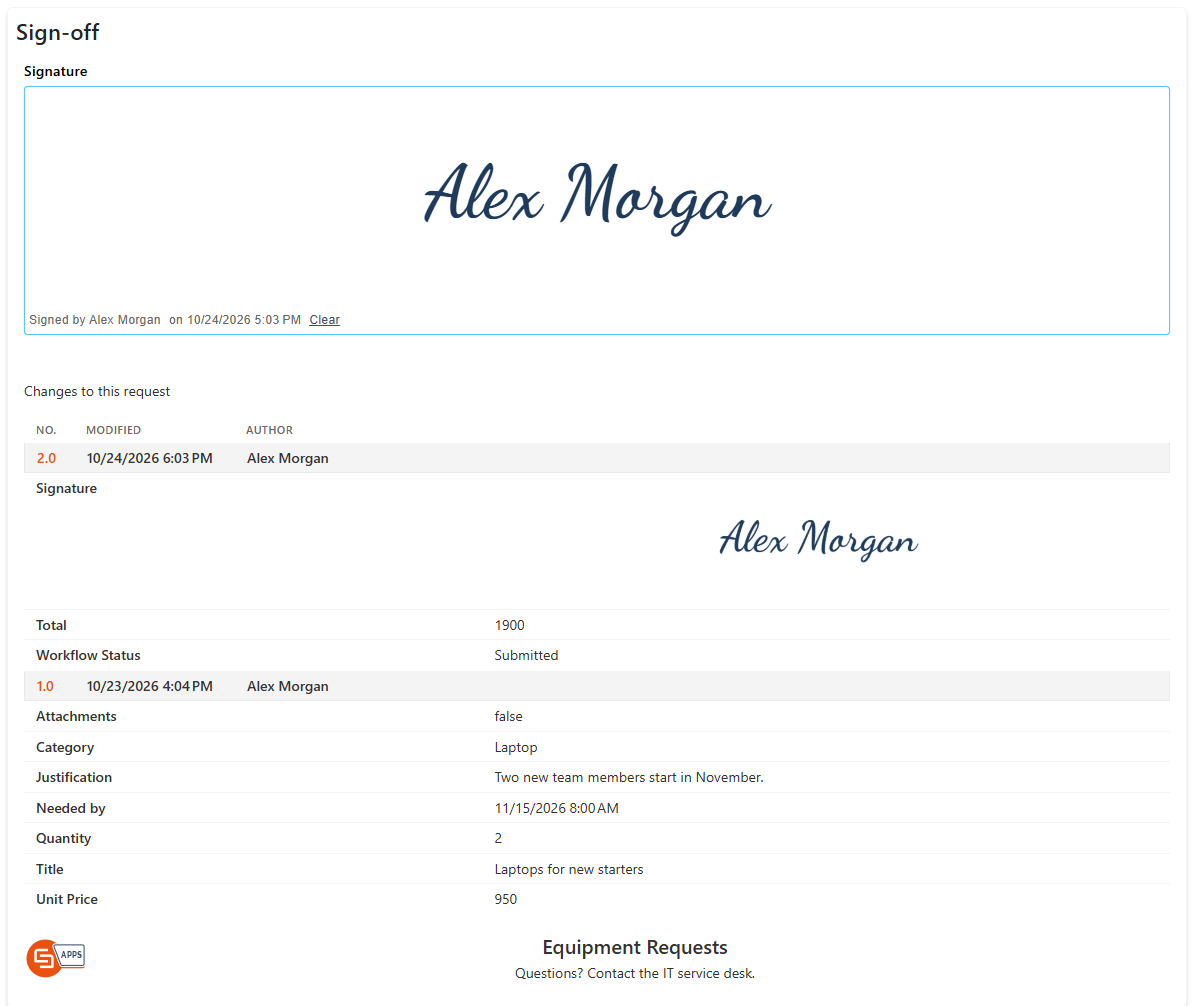
Built with: Signature Field, Version History, Spacer and Header/Footer Widgets, Workflow History Widget, PDF Export.
Your own logic in JavaScript
When the rules aren't enough, add your own code. For example: total the order lines into the order, show only the cities of the selected country, fill in details from another list, check values before saving, or add a button that gives a discount on all lines.
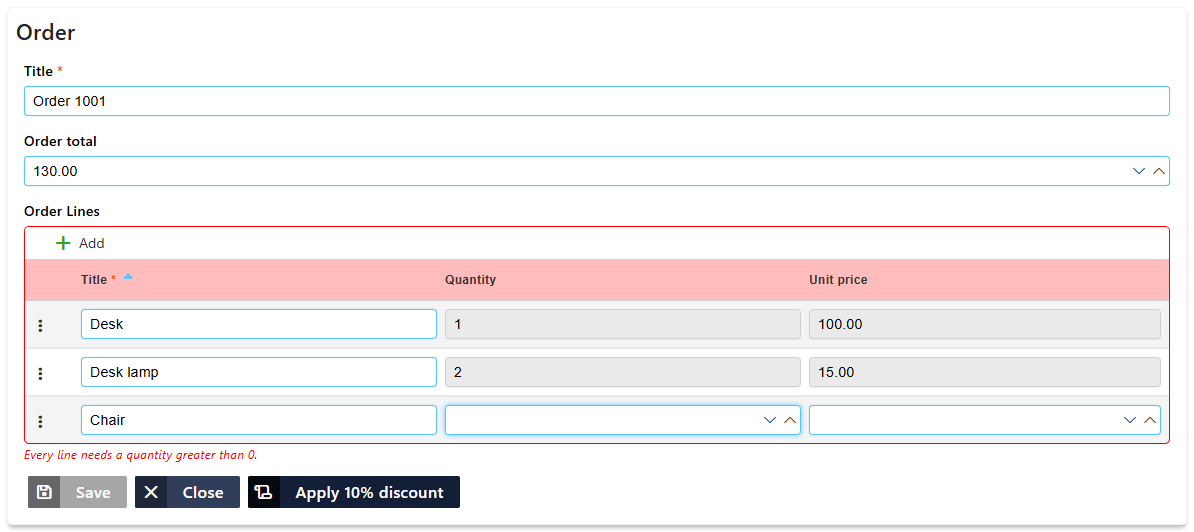
Built with: Using the JavaScript API in Logic. Complete examples: JavaScript Example: Working with Related Lists, JavaScript Example: Data from Other Lists, JavaScript Example: Validation and Saving.
Reports on your data
With Sintel BI you can build reports and dashboards on the data your forms collect. See the Sintel BI help.